
Divi Plugin
Divi Specific Role Editor
Control who can access Divi Builder and what they can edit — based on user role. Perfect for agency workflows where clients should have limited editing while your team keeps full control.
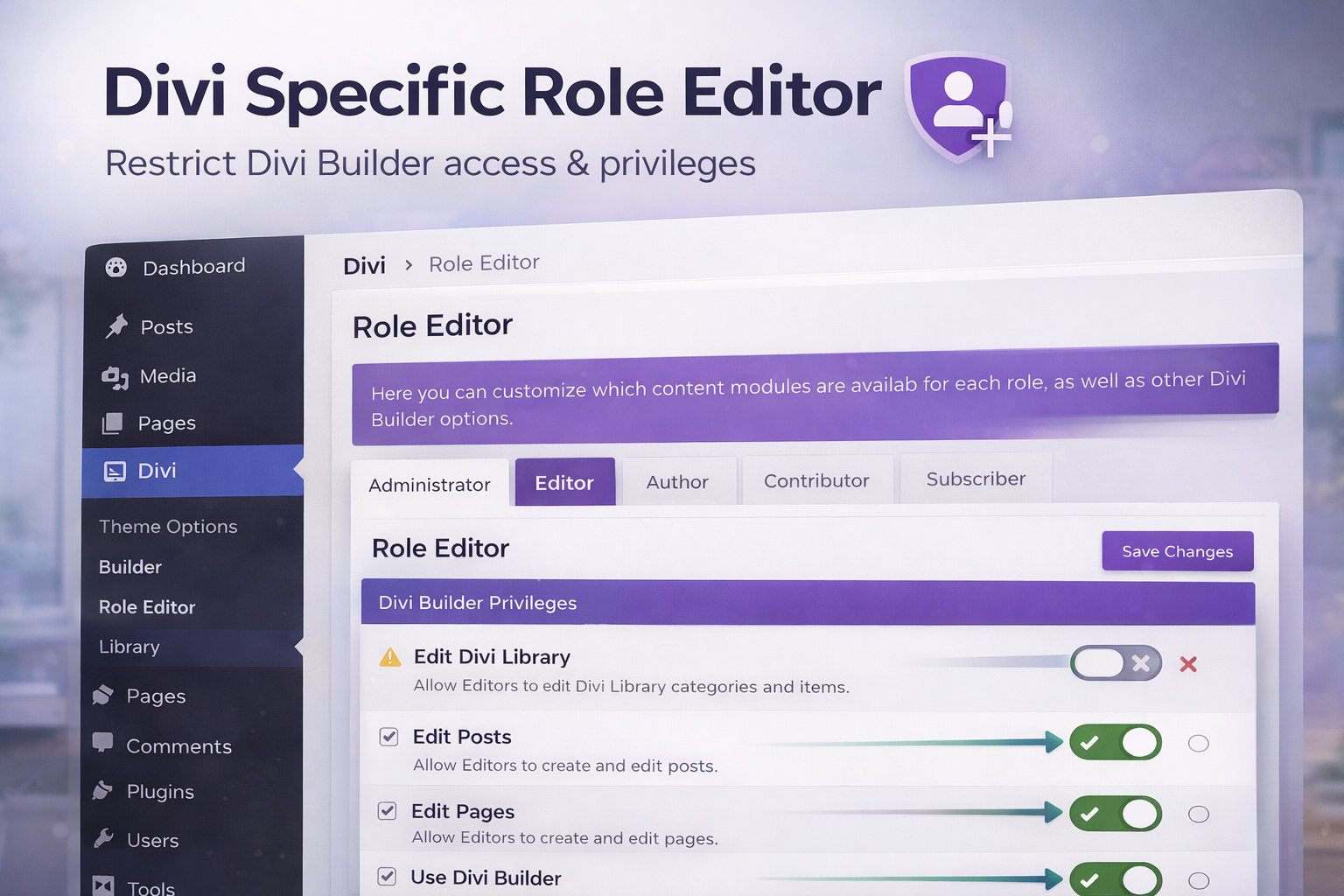
Use case: Give clients “content-only” editing while locking layouts and global styling.
What this plugin does
-
Role-based Divi access
Enable or disable Divi Builder access per role. -
Limit editing privileges
Keep clients from breaking layouts while still letting them update content. -
Agency-friendly guardrails
Reduce “accidental damage” and keep sites stable after handoff.
Key features
Disable Visual Builder by role
Stop non-admin roles from using Divi Builder entirely if needed.Protect layouts and modules
Keep the structure intact while allowing text/image updates.Cleaner handoff
Deliver a site that stays consistent after launch.Simple admin UI
Quickly set policies without writing custom code.
Installation
Download the ZIP
Go to My Account after purchase.Upload in WordPress
Plugins → Add New → Upload Plugin → Activate.Configure role rules
Open the plugin settings and choose which roles can access Divi.
FAQ
Why not just use WordPress role permissions?
WordPress roles help, but Divi introduces editing capabilities that often need extra guardrails for client accounts.
Will this affect admins?
No — admins can remain fully unrestricted (recommended for agency owners/devs).
Can I allow clients to edit text but not layout?
That’s the whole point. Restrict the builder while letting content updates happen safely.
Need help setting the right rules?
Email help@impression-prod.com and tell us your roles + what you want each to be able to edit.
Get this plugin
Get access to Pro downloads, updates, and the full plugin library.
Add to Cart Go to My AccountQuestions? Support